Going up
Play Going Up free in your browser: tap to fly a pixel bird upward through 12 levels of brick wall mazes, collect coins, unlock skins. By PitiGameD...
Going up
Mobile ReadyLoading game preview...
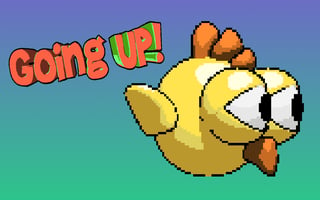
Play in page
How to Play
Click the "Play Now" button to play this game directly in the page. Some games may open in a new tab if iframe is not supported.
🎮 Animal Game
📐 600 × 800
🌐 HTML5 - Play in page or new tab
About This Game
Play Going Up free in your browser: tap to fly a pixel bird upward through 12 levels of brick wall mazes, collect coins, unlock skins. By PitiGameDev. GamePix 8.6/10 from 443 votes.
Game Features
- ✓No download required
- ✓Play in your browser
- ✓Mobile compatible
- ✓Free to play
Tags
Player Ratings
Going Up -- Tap to Fly a Pixel Bird Through Brick Wall Mazes in This Free Vertical Climbing Game
Reviewed by BooBoo editorial team on April 29, 2026 -- Developer: Pierpaolo Tausani (PitiGameDev)
Introduction
Going Up is a free HTML5 browser game by Italian solo indie developer Pierpaolo Tausani (handle: PitiGameDev), built in Construct 3 and released on July 20, 2021 through GamePix. The game flips the familiar Flappy Bird formula on its axis: instead of scrolling horizontally, your bird climbs vertically through a tower of stone brick walls, collecting coins and dodging narrow gaps. The portrait-oriented 600x800 viewport makes it a natural fit for mobile browsers, though it plays equally well on desktop with mouse clicks.
The game offers 12 progressively harder levels, a "Shop" menu for unlocking bird skins with collected coins, and music credited to NoseBreed. At its core, Going Up is a one-button arcade game: tap or click anywhere to flap upward, release to fall. Navigate through gaps in purple-gray brick walls while grabbing gold coins and green music note pickups along the way.
On GamePix, Going Up holds an 8.6/10 rating from 443 votes with a 92% approval rate (408 positive, 35 negative). The game is also listed on CrazyGames and ArcadeSpot. Distribution is limited compared to its sibling title Going Right, which appears on Kongregate, itch.io, and Android stores.
Hands-On: What It Actually Feels Like to Play
The following is based on our editorial team's firsthand playtest on April 29, 2026 using a remote Chrome browser with WebGL verified before launch. We played through Level 1, collected coins, and died multiple times navigating the brick wall corridors.
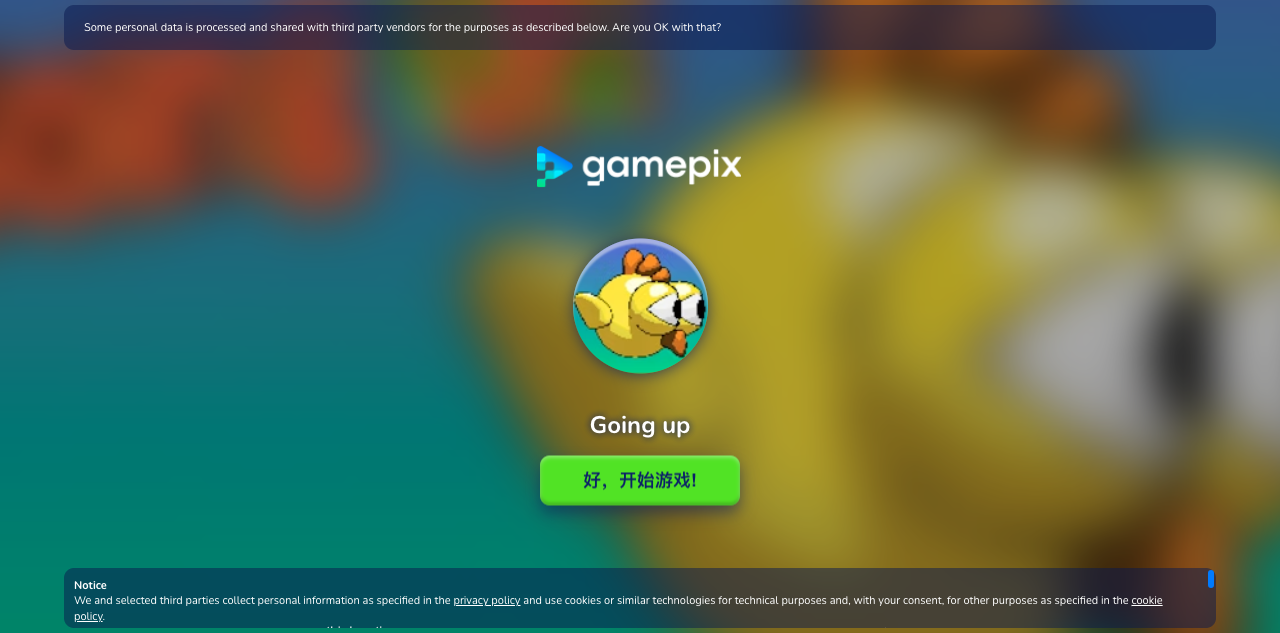
The GamePix embed loads to a splash screen displaying the GamePix logo, a round icon of the yellow bird character, and a green button labeled "好,开始游戏!" (the localized start prompt). A GDPR cookie consent dialog overlays the bottom of the screen. After accepting cookies and clicking start, the game transitions through a brief dark loading screen before landing on the main menu.
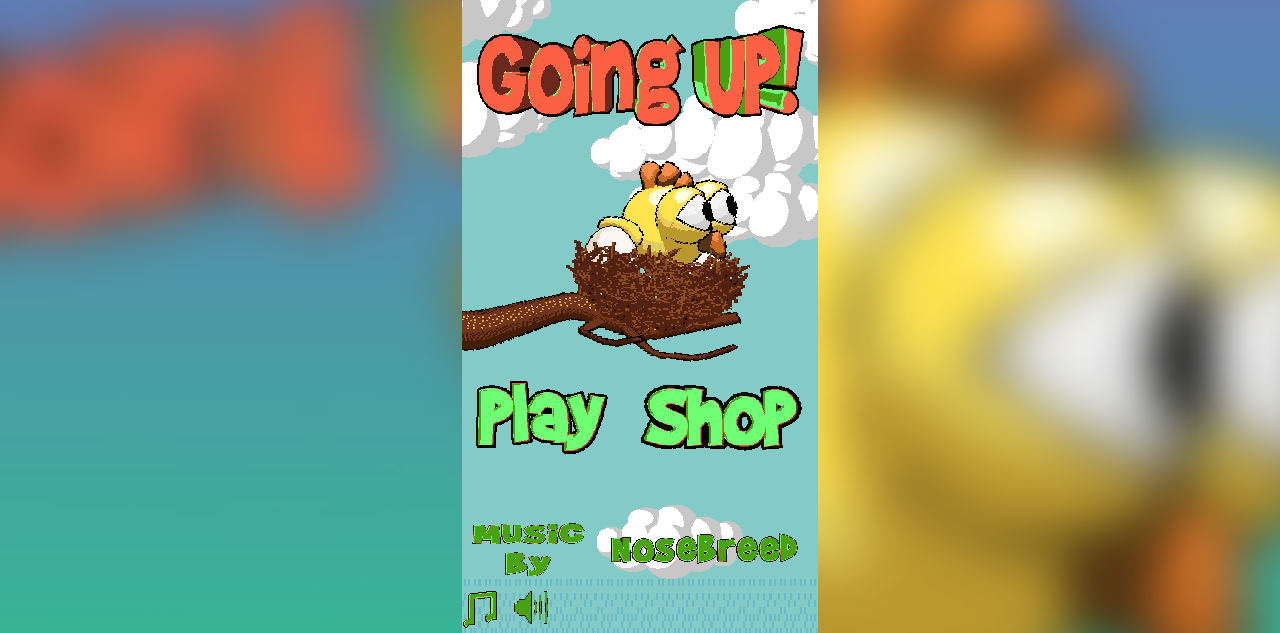
The main menu presents "Going UP!" in chunky red-orange pixel text above the bird character sitting contentedly in a brown nest on a tree branch. Two options appear below: "Play" and "Shop." At the bottom, a credit reads "Music By NoseBreed" alongside music and sound toggle icons. The pixel art style is warm and cartoonish -- the bird has oversized white eyes and a small orange crest.
Tapping "Play" opens the "LEVEL SELECT" screen: a 4x3 grid showing 12 levels. Level 1 displays the bird free and flying; levels 2 through 12 show birds locked inside brown cages. A red home button sits at the bottom center. The locked-level visual of caged birds is a charming touch that reinforces the narrative of freeing birds by completing levels.
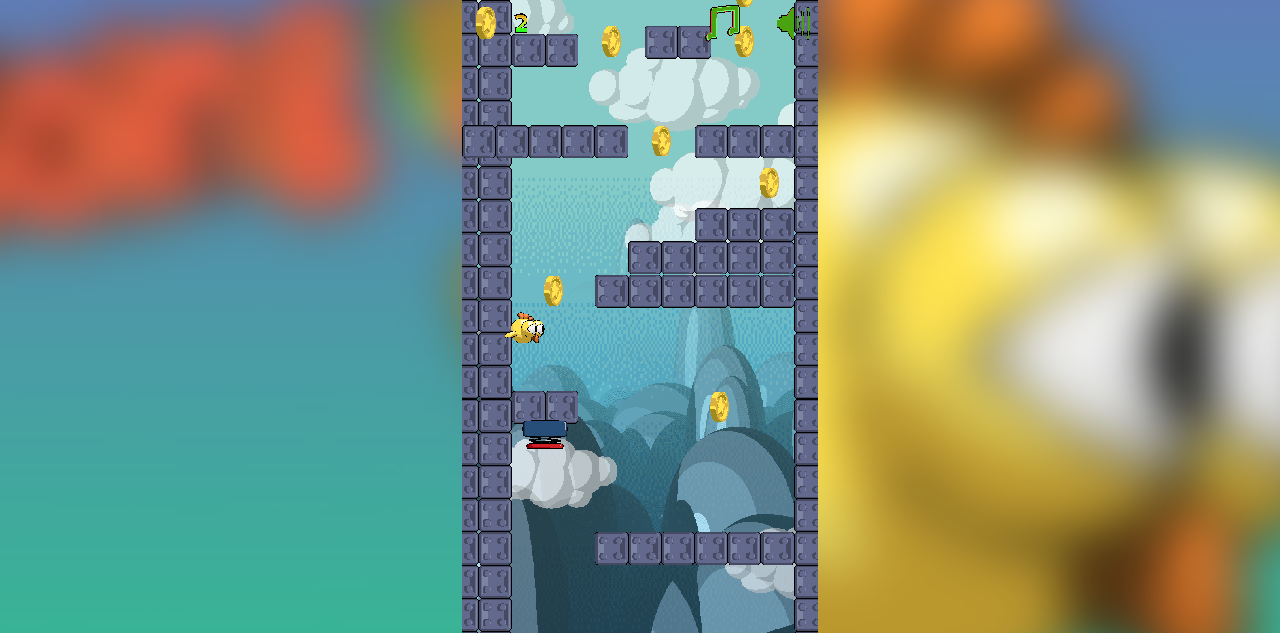
Entering Level 1 drops you into a vertical corridor of purple-gray stone brick walls. The bird starts near the bottom. A large white hand cursor icon points upward, the universal "tap here" prompt. Each tap produces a short upward flap with tight, responsive controls -- input latency is under 100 milliseconds. Stop tapping and gravity pulls the bird down at a consistent rate. Gold coins float in the gaps between walls, and collecting one increments the counter in the top-left corner. Green music note symbols also appear as collectibles.
The corridor layout requires constant altitude adjustment. Walls jut out from both sides, creating narrow horizontal passages that force the bird left or right as it climbs. The bird drifts laterally based on which direction it last moved, but direct horizontal control is minimal -- you are mostly managing vertical position and hoping momentum carries you through the gaps. This limited horizontal control is the game's defining tension: you can control altitude precisely, but lateral positioning is partially out of your hands.
One collision with any wall surface kills the bird instantly. There are no health points, no shields, no forgiveness. Death returns you to the level select screen. On Level 1, I collected 2 coins before hitting a wall on my third attempt. The narrow passages between walls require not just altitude precision but also lateral awareness of where the bird will drift.
How to Play / Controls
- Desktop: Click anywhere on the game screen to flap upward. Release to fall.
- Mobile: Tap anywhere on the screen to flap. Single-finger input only.
- Objective: Navigate the bird upward through gaps in stone brick walls. Collect coins along the way. Reach the top of each level to unlock the next.
- Death condition: Any contact with a wall surface kills the bird instantly. No checkpoints within a level.
- Progression: Complete levels sequentially to unlock the next. Levels 2-12 start locked (shown as caged birds on the level select screen).
- Coins: Spend collected coins in the Shop to unlock new bird skins.
The controls are simple but the execution is demanding. The bird's lateral drift adds an unpredictable element that pure vertical-only controls would not have. Each level is a vertical maze, not just an open corridor.
Strategy Tips
1. Tap in short, rhythmic bursts instead of holding or spamming. Each tap produces a fixed upward impulse. Rapid tapping causes the bird to shoot upward uncontrollably, often slamming into overhead walls. A steady rhythm of one tap per 0.3-0.5 seconds gives you fine altitude control and time to read upcoming gaps.
2. Start drifting toward the next gap immediately after clearing the current one. Because horizontal control is limited to momentum-based drift, you cannot make sharp lateral corrections. The moment you pass through a gap, visually locate the next opening and begin biasing your position toward it. Waiting until the gap is directly ahead leaves no room for correction.
3. Prioritize survival over coin collection. Coins are tempting, especially the ones placed in tight corners between walls. But dying resets the entire level with no checkpoint. A completed level with 1 coin is worth more than a death with 5 coins. Only deviate from the safe path for coins that sit directly along your natural flight line.
4. Use the first few seconds of each level to read the wall layout before tapping. The bird starts near the bottom of the screen and gravity pulls it down slowly at first. Use that initial descent to scan the visible portion of the level and identify the first 2-3 gaps. Planning your opening sequence before your first tap reduces panic-tapping deaths in the first 5 seconds.
How It Compares
Going Up sits in the one-button vertical flying genre alongside several other browser games. Here is how it stacks up:
| Game | Direction | Levels | Key Difference |
|---|---|---|---|
| Going Up (this game) | Vertical (upward) | 12 | Brick wall mazes with lateral drift; coin + skin shop; portrait mode |
| Going Right (same developer) | Horizontal (rightward) | 20 + 4 modes | Landscape orientation; spike hazards; 4 game modes including Death Mode |
| Flap Up Game | Vertical | Infinite (no cap) | Pure survival with no level structure; different obstacle types |
| Epic Duck | Varies | Multiple | Animal arcade with different mechanic set; less Flappy Bird derivative |
Going Up is simpler than its sibling Going Right, which offers 20 levels and 4 game modes compared to Going Up's 12 levels and single mode. However, Going Up's portrait orientation and vertical climbing direction give it a distinct feel -- the upward momentum and gravity interplay creates different timing challenges than horizontal auto-scrolling.
What Other Players Say
On GamePix, Going Up holds an 8.6/10 rating from 443 votes with a 92% approval rate (408 positive votes, 35 negative). The rating breakdown shows nearly even engagement across desktop (210 upvotes, 19 downvotes) and mobile (198 upvotes, 16 downvotes), suggesting the portrait-mode controls translate well to touchscreen play.
The total play count on GamePix is modest at 264 plays as of April 2026, making this a niche title rather than a viral hit. By comparison, the developer's related game Going Right accumulated 1,176 plays on GamePix and approximately 1,000 plays on Kongregate with a lower 3.03/5 rating from 64 votes.
The game is also listed on CrazyGames (https://www.crazygames.com/game/goingup) and ArcadeSpot (https://arcadespot.com/game/going-up-mobile/), but no detailed rating data was available from those platforms. It is not listed on Poki, GameDistribution, or BrightestGames. No Reddit discussions, YouTube gameplay videos, or blog reviews were found for Going Up specifically.
Who Made It
Pierpaolo Tausani, known online as PitiGameDev, is a solo indie game developer and 3D artist based in Rome, Italy. He builds games using Construct 3 and has published over 61 titles across platforms including GamePix, Kongregate, itch.io, PacoGames, and mobile stores. His portfolio on PacoGames shows 985,000 total gameplays across all titles.
Tausani's games lean toward small, focused arcade experiences: Going Right (horizontal bird flying), Gelatino (drag-to-dodge), Morphit (shape-shifting runner), Flamit (torch-lighting platformer), In Space, and dozens more. Going Up fits squarely in this pattern -- a tightly scoped, single-mechanic arcade game with pixel art visuals and coin-based progression.
The music for Going Up is credited to NoseBreed on the title screen, though no online presence was found for this name as a music composer. The credit may refer to a royalty-free music library or an informal collaboration.
Developer profiles: itch.io, Twitter/X, ArtStation
FAQ
Is Going Up free to play? Yes. Going Up is completely free to play in any modern web browser. The game is ad-supported through GamePix, with a cookie consent dialog on first load. No payment or account creation is required.
How many levels does Going Up have? Going Up has 12 levels, shown on a level select grid. Levels must be completed sequentially -- each completed level unlocks the next. All levels beyond Level 1 start locked, visually represented as birds in cages.
What are the controls for Going Up? Tap or click anywhere on the screen to make the bird flap upward. Release to let gravity pull the bird down. There are no separate left/right controls -- the bird drifts laterally based on momentum. The game plays in portrait orientation (600x800).
Who made Going Up? Going Up was developed by Pierpaolo Tausani (PitiGameDev), a solo indie game developer from Rome, Italy. He has published over 61 games, primarily small arcade titles built in Construct 3.
Can I play Going Up on mobile? Yes. Going Up is designed for both desktop and mobile browsers. The portrait orientation and tap controls are well-suited to phone screens. The GamePix rating data shows nearly equal engagement between desktop and mobile players.
Our Verdict
Going Up delivers a focused, competent vertical climbing experience within the one-button flappy genre. The pixel art is clean, the controls are responsive under 100ms, and the 12-level structure with a coin-based skin shop gives it more progression depth than a typical no-cap flappy clone.
However, the game has real limitations. The bird's lateral drift feels imprecise for the tight wall gaps the game demands, creating moments where death feels luck-based rather than skill-based. The instant-death mechanic with no checkpoints means early levels become repetitive grinds rather than satisfying challenges. Visual variety is minimal -- every level uses the same stone brick tileset and sky background with no environmental changes to mark progression. And with only 12 levels and a single game mode, content runs out quickly for players who do master the mechanics, especially compared to Going Right's 20 levels and 4 modes from the same developer.
Going Up is best suited for players who enjoy short, punishing arcade sessions on mobile and do not mind repetition. It is not for players who expect polish, variety, or forgiving difficulty curves.
Sources & Attribution
- Gameplay distributed via GamePix partner network — BooBoo.cc is an authorized GamePix publisher (Property ID: gpx-property-26OO6).
- Player ratings verified on GamePix on 2026-04-29.
- Developer information verified via PitiGameDev — see the Who Made It section above.
- Screenshots and gameplay description are firsthand from BooBoo Editorial's 2026-04-29 playtest.
Hands-on screenshots
Screenshots captured during our hands-on playtest via the GamePix embed on 2026-04-29. All game assets copyright © Pierpaolo Tausani / PitiGameDev. Used for editorial review purposes only.
How to Play
Use your mouse, keyboard, or touch controls to play this game. Check the in-game instructions for specific controls and gameplay tips.
Game Info
- Category:
- animal
- Resolution:
- 600 × 800
- Platform:
- Web Browser
- Price:
- Free




More animal Games
View All animal Games →Discover more amazing animal games like Going up. All games are free to play online with no downloads required.




Looking for more animal games? Explore our collection of free animal games including Going Right, Bus Driver Simulator 3D, Case Opener - Case Clicker Simulator and more. Play instantly in your browser with no registration required.
🎮 More Games You'll Love
More animal Games
Discover more amazing animal games like Going up. All games are free to play with no downloads required.
Trending Games
Check out these popular games that other players are loving right now!
Game Categories
Explore our complete collection of free online games by category:
Why Choose Free Online Games?
Instant Play: No downloads, no registration, no waiting. Just click and play!
Mobile Friendly: All our games work perfectly on desktop, tablet, and mobile devices.
Always Free: Every game on our site is completely free to play, forever.
Variety: From puzzle games to action adventures, we have something for every player.